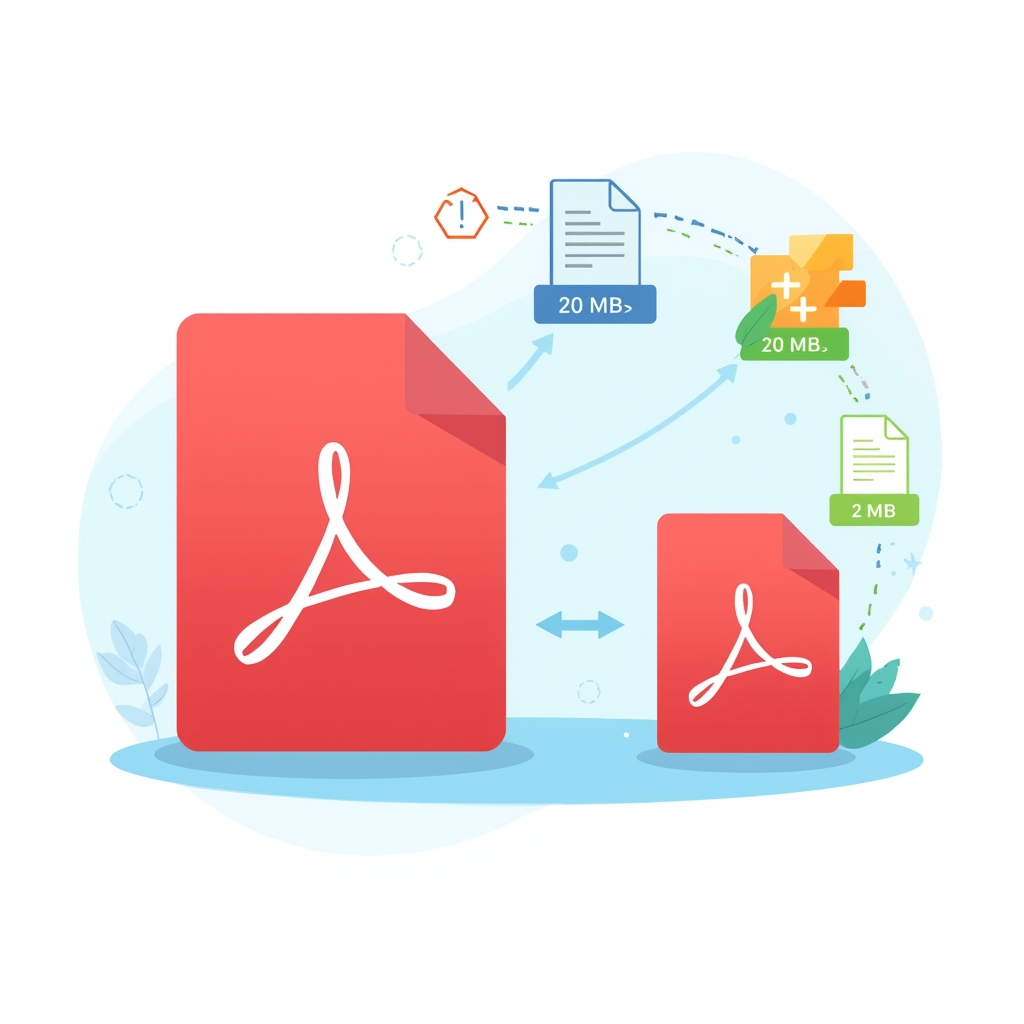
You finish your PDF, everything looks perfect, and then the upload fails.
The file is simply too large. This happens all the time with resumes,
portfolios, reports, scanned assignments, invoices, and client documents.
Maybe you're trying to send it by email, upload it to a freelance platform,
attach it to a job application, or submit it through a portal with a strict
file size limit. Instead of sending smoothly, the PDF gets rejected instantly.
The good news is that you don't need to remake the file or ruin its quality.
A proper PDF compression tool can reduce file size in seconds while keeping
text readable and the document professional.
Why PDF Files Become Too Large
Most people don't realize why a PDF suddenly becomes heavy. In many cases,
the document itself is not the problem — it's the images, export settings,
or unnecessary data packed inside the file.
Large PDFs usually happen because of:
-
🖼️
High-resolution images embedded in the document
-
📠
Scanned pages saved as full-size image layers
-
🎨
PDFs exported from design tools without optimization
-
📊
Charts, graphics, and visual-heavy pages increasing file weight
-
📄
Multiple pages containing repeated large assets
Even a normal-looking PDF can quickly become 10 MB, 20 MB, or more if the
images are not optimized. That becomes a real issue when websites only allow
2 MB or 5 MB uploads.
Small PDF vs Large PDF — What's the Difference?
|
✅ Small PDF
|
❌ Large PDF
|
| Loads quickly |
Opens slowly |
| Easy to upload |
Fails on upload forms |
| Email friendly |
Attachment gets rejected |
| Saves storage space |
Consumes unnecessary storage |
| Better user experience |
Creates friction and delays |
| Simple to share anywhere |
Often blocked by size limits |
The Smart Way to Reduce PDF Size
The best way to reduce PDF size is by using a proper compression tool that
intelligently optimizes images and removes unnecessary data without making
the document blurry or unreadable.
Instead of manually editing the file, taking screenshots, or sacrificing
quality, a good PDF compressor gives you a smaller file that still looks
clean and professional.
📌 Important
Good compression should reduce file size without destroying clarity.
If the text becomes blurry or images become messy, the tool is
over-compressing your PDF.
How to Compress a PDF in 30 Seconds — Step by Step
You can use the
PDFLinx Compress PDF Tool
to reduce your file size quickly — completely free, no signup required,
and no watermark added.
1
Open PDFLinx Compress PDF
Go to pdflinx.com/compress-pdf in your browser. It works on desktop, tablet, and mobile without installing any software.
2
Upload Your PDF
Drag and drop your file onto the page, or click the upload button to select it manually from your device.
3
Choose the Compression Level
Select the option that fits your need — balanced compression for quality or stronger compression when the file must be as small as possible.
4
Click Compress
Start the process and wait a few seconds. Most standard PDFs are compressed very quickly.
5
Download the Smaller PDF
Get your optimized file instantly and upload, email, or share it without size-limit problems.
💡 Pro Tip
Use medium compression for documents with mixed text and images.
Use high compression only when upload limits are very strict, such as
job portals, email attachments, or client systems with small file caps.
Common Mistakes People Make When Compressing PDFs
🚫
Using poor-quality compression tools
Some tools shrink the file, but they destroy image quality and make text difficult to read. A smaller file is useless if it looks unprofessional.
🚫
Compressing the same PDF multiple times
Repeated compression degrades quality further and further. It's better to compress once properly than several times badly.
🚫
Ignoring image size before export
If the original file contains giant images, the PDF starts heavy from the beginning. Optimizing images at the source can help a lot.
🚫
Choosing the strongest compression every time
Over-compressing can make resumes, proposals, and reports look blurry. Not every PDF needs maximum shrinkage.
🚫
Assuming every large PDF needs to be rebuilt
Many people think they must recreate the document from scratch. In reality, a good compression tool solves the problem in seconds.
Who Should Use This Method?
💼
Freelancers
Sending proposals, reports, contracts, and deliverables to clients without upload failures.
🎓
Students
Submitting assignments, research files, and scanned documents to portals with tight file limits.
🧑💼
Job Seekers
Uploading resumes, cover letters, and certificates where large PDFs often get rejected.
🏢
Office Teams
Sharing internal documents, presentations, forms, and reports more efficiently.
📧
Anyone Sending Email Attachments
Reducing PDF size to fit common email attachment limits.
📱
Mobile Users
Compressing files quickly from a phone before sending or uploading them anywhere.
Quick Questions
❓ Will compression reduce PDF quality?
A good tool reduces file size while keeping the document readable. Very strong compression may lower image quality slightly, but normal text documents usually stay clear.
❓ Can I compress a PDF for free?
Yes — PDFLinx lets you compress PDFs for free with no signup and no watermark.
❓ Why is my scanned PDF so large?
Scanned PDFs are often saved as full-size images on every page, which makes the file much heavier than a normal text-based PDF.
❓ What compression level should I choose?
Use balanced or medium compression for most documents. Use stronger compression only when you have a strict upload limit.
❓ Can I compress a PDF on mobile?
Yes. You can open the PDFLinx compress tool in your mobile browser and use it the same way as on desktop.
Conclusion
Large PDF files create unnecessary delays. They fail on upload forms, get
rejected in emails, and make simple tasks more frustrating than they should be.
The fix is simple: compress the file with a reliable tool that reduces size
while keeping the document readable and professional.
Once you start using proper PDF compression, sending and uploading documents
becomes faster, easier, and far less stressful.
Compress Your PDF Now — Free
No signup · No watermark · Fast results · Works on mobile
Compress Now →